
Table of Content
A good monitor and a capable PC are the quiet foundation of almost everything you do at a desk. They affect how your eyes feel at the end of a long day, how smoothly your work flows, and how much you enjoy your games and movies. Black Friday is one of the best windows of the year to upgrade both, because displays and computers see steep, reliable price drops this season.
The catch is that this category is buried in jargon. Refresh rates, panel types, resolutions, and a parade of confusing model numbers make it easy to overpay for features you will never use, or underbuy and regret it. This guide translates the spec sheet into plain language so you can spot a real deal fast, and so you spend your money on the things you will actually feel every day.
Monitors: what actually matters
Resolution and size
More pixels means sharper text and more detail, but the right choice depends on screen size and distance.
- 1080p is fine for smaller screens and tight budgets.
- 1440p is the sweet spot for most desks, sharp without punishing your PC.
- 4K is stunning for detail work and media, but demands a stronger computer to drive it.
Bigger is not automatically better. A huge low-resolution screen can look worse than a smaller sharp one, because the same pixels are stretched across more space and text starts to look fuzzy.
Refresh rate
Measured in Hz, this is how many times the screen updates per second.
- For everyday work and browsing, a standard refresh rate is perfectly smooth.
- For gaming, a higher refresh rate makes fast motion noticeably crisper, but only if your PC can push the frames.
A high refresh rate monitor paired with a PC that cannot produce the frames is wasted money, so balance the two rather than chasing the headline number alone.
Panel type
Different panels trade off color, contrast, and speed. For color-accurate work, look for a panel known for good color. For competitive gaming, fast response times matter more. For movies, strong contrast wins. There is no single best panel, only the best panel for what you do most, so decide your priority before you shop.
Connections and extras
Check that the ports match your computer. Adjustable height and tilt save your neck over long days, and they cost less than you would think. Features like a built-in USB hub or the ability to charge a laptop over a single cable can quietly simplify your whole desk, so they are worth a look when two monitors are otherwise close in price.
PCs: match the machine to the work
Do not buy raw power for its own sake. Buy for the job.
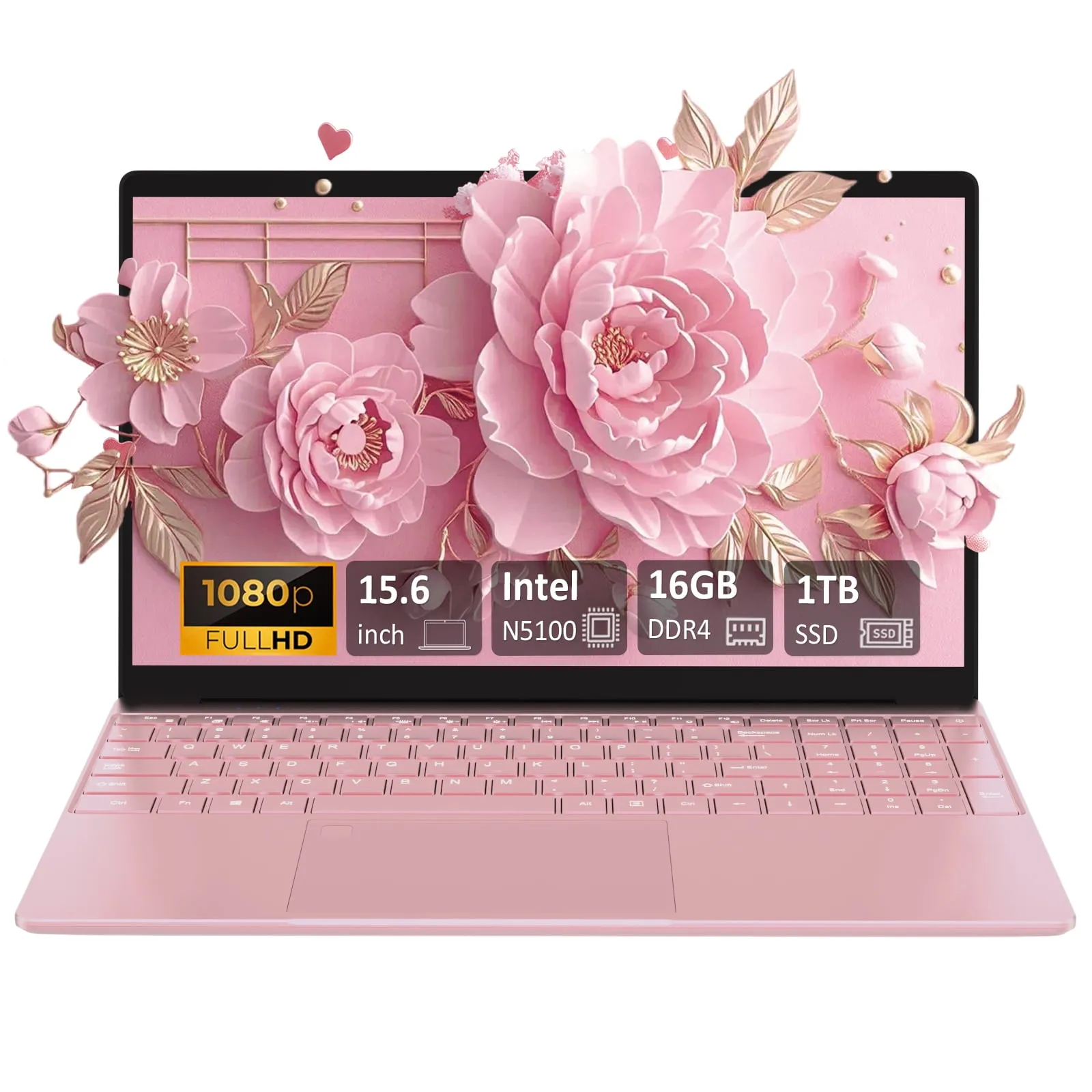
Auusda 15.6" Laptop Computer, 16GB RAM 1TB SSD, N5100 CPU, Windows 11 Pro Notebook, Backlit Keyboard, Fingerprint Unlock, Pink
- Everyday and office: A solid processor, enough RAM for multitasking, and a fast solid-state drive matter far more than a flashy graphics card.
- Creative work: Prioritize more RAM, a strong processor, and a capable graphics card for video and design.
- Gaming: The graphics card is the headline, but pair it with enough RAM and a processor that will not hold it back.
Two numbers quietly decide how a PC feels day to day: enough RAM so it does not choke under many open tabs, and a solid-state drive so it boots and loads fast. Skimp on either and even a powerful machine feels slow. If you are choosing between a faster processor and more RAM on a tight budget, most everyday users feel the extra RAM more.
Laptop or desktop
A desktop usually gives you more power for the money and is easier to upgrade later, while a laptop trades some of that for portability. Decide where the work actually happens before you spend, because buying the wrong form factor is a more expensive mistake than picking slightly lesser specs.
Think about the whole setup
A great monitor on a weak PC, or a strong PC on a poor monitor, wastes money. Balance the two. And remember the small stuff that makes a desk work: a decent keyboard, a comfortable mouse, and cables that match your ports. These extras shape your daily experience as much as the headline specs. Good lighting and a chair that supports you also do more for a long workday than another few pixels on the screen.
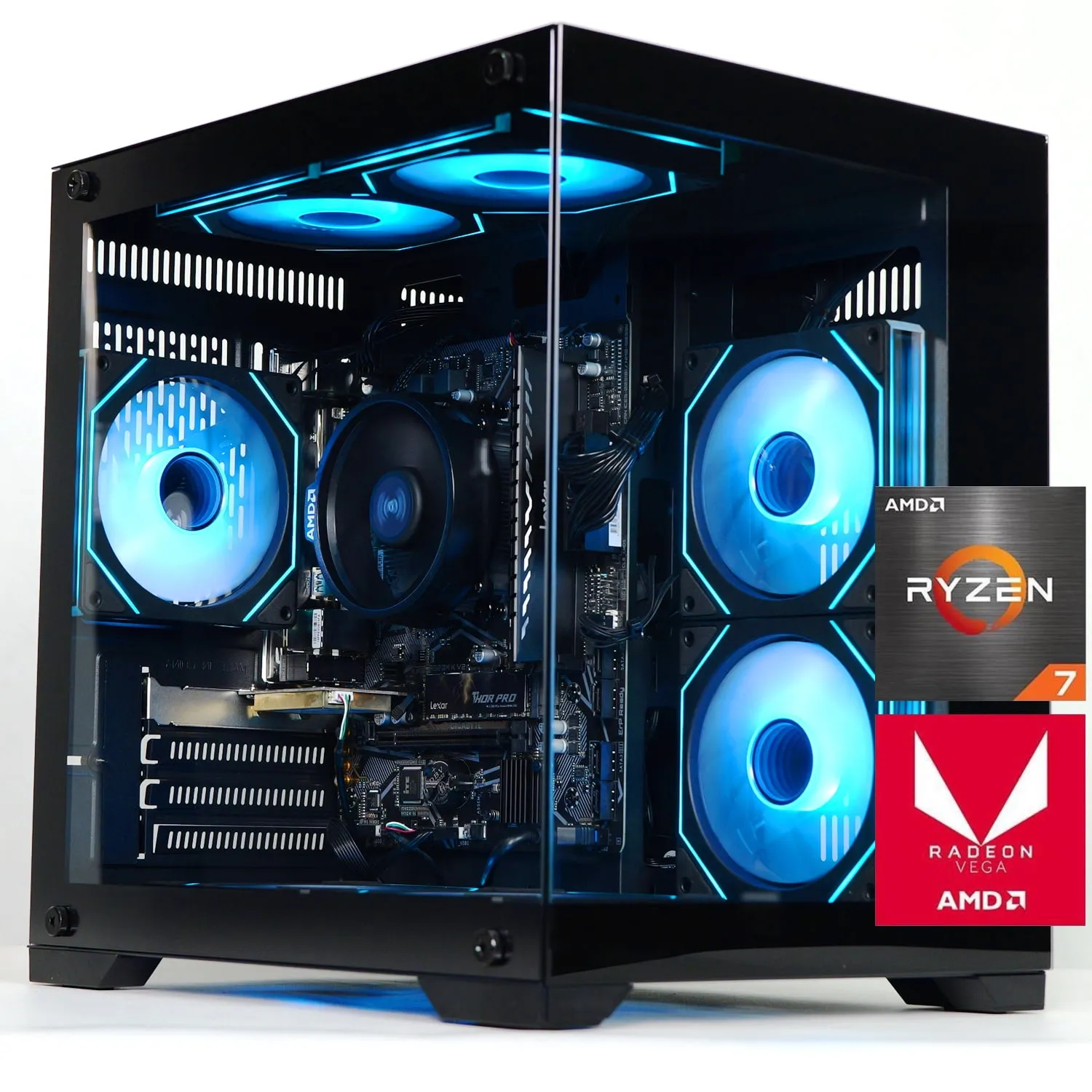
Gaming desktop PC AMD Ryzen 7 5700G 8 core 3.8GHz(up to 4.6GHz) - 16GB DDR4 3200MHz - 1T M.2 NVMe - Windows 11 pro - WIFI -Prebuilt Gaming pc compute
A quick desk-setup checklist
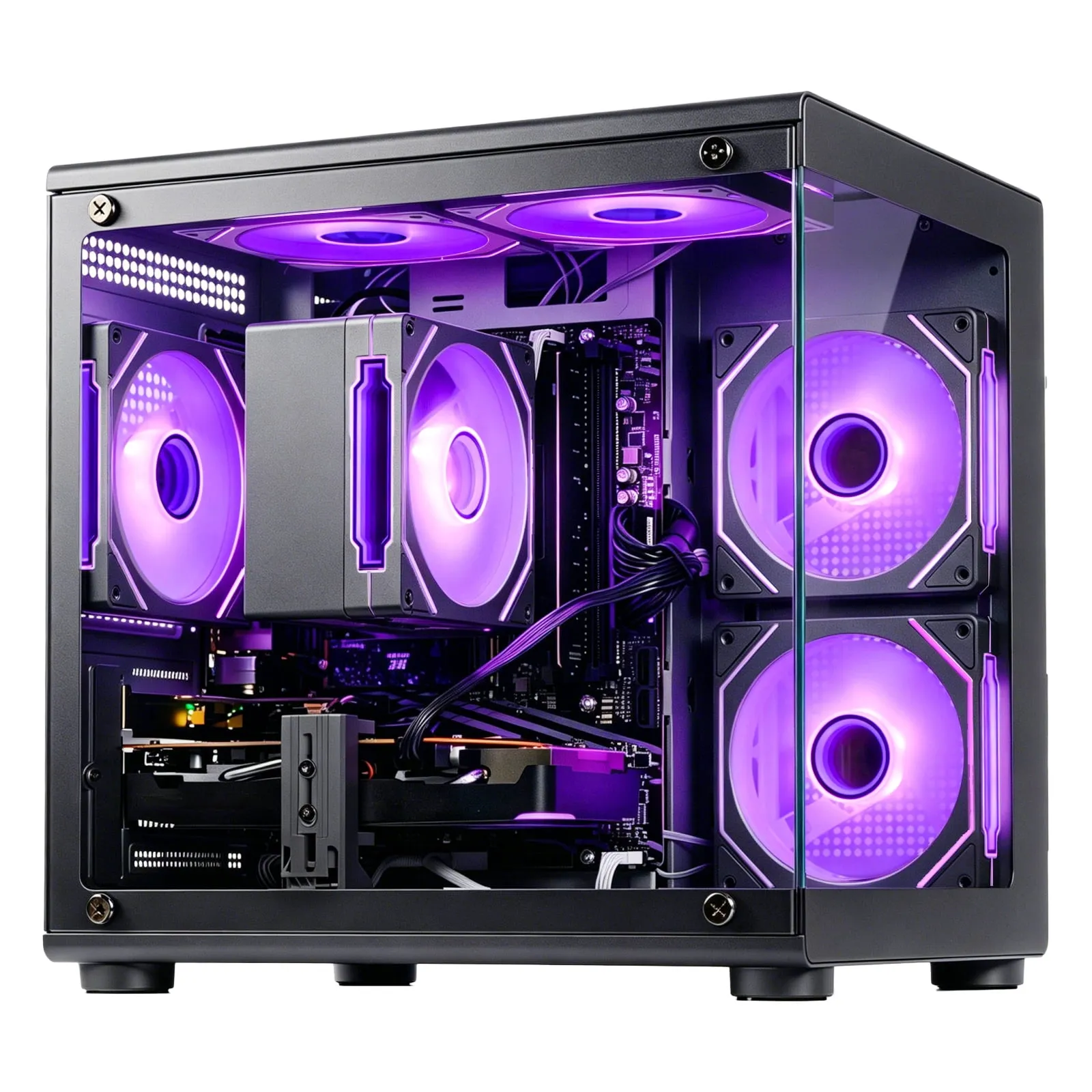
WIWB Gaming PC Desktop Computer, Ryzen 7 4700LE Processor, 16GB DDR4 RAM, 512GB SSD, RX 6500 XT 4GB Graphics, A520 Motherboard, Performance Gaming Computer
| Check | What good looks like |
|---|---|
| Resolution | Matched to screen size and how close you sit |
| Refresh rate | High only if your PC can feed it |
| Panel | Chosen for your priority: color, speed, or contrast |
| RAM | Enough to keep many tabs and apps open |
| Storage | A solid-state drive for fast boot and loads |
| Ports | Confirmed to match between monitor and PC |
What to look for on ProBlack
ProBlack is a Black-owned marketplace with over 7,500 products and honest, transparent pricing, so you always see the real number with no invented discounts. Monitor and PC stock changes, so shop the live category and judge each deal against the checklist.
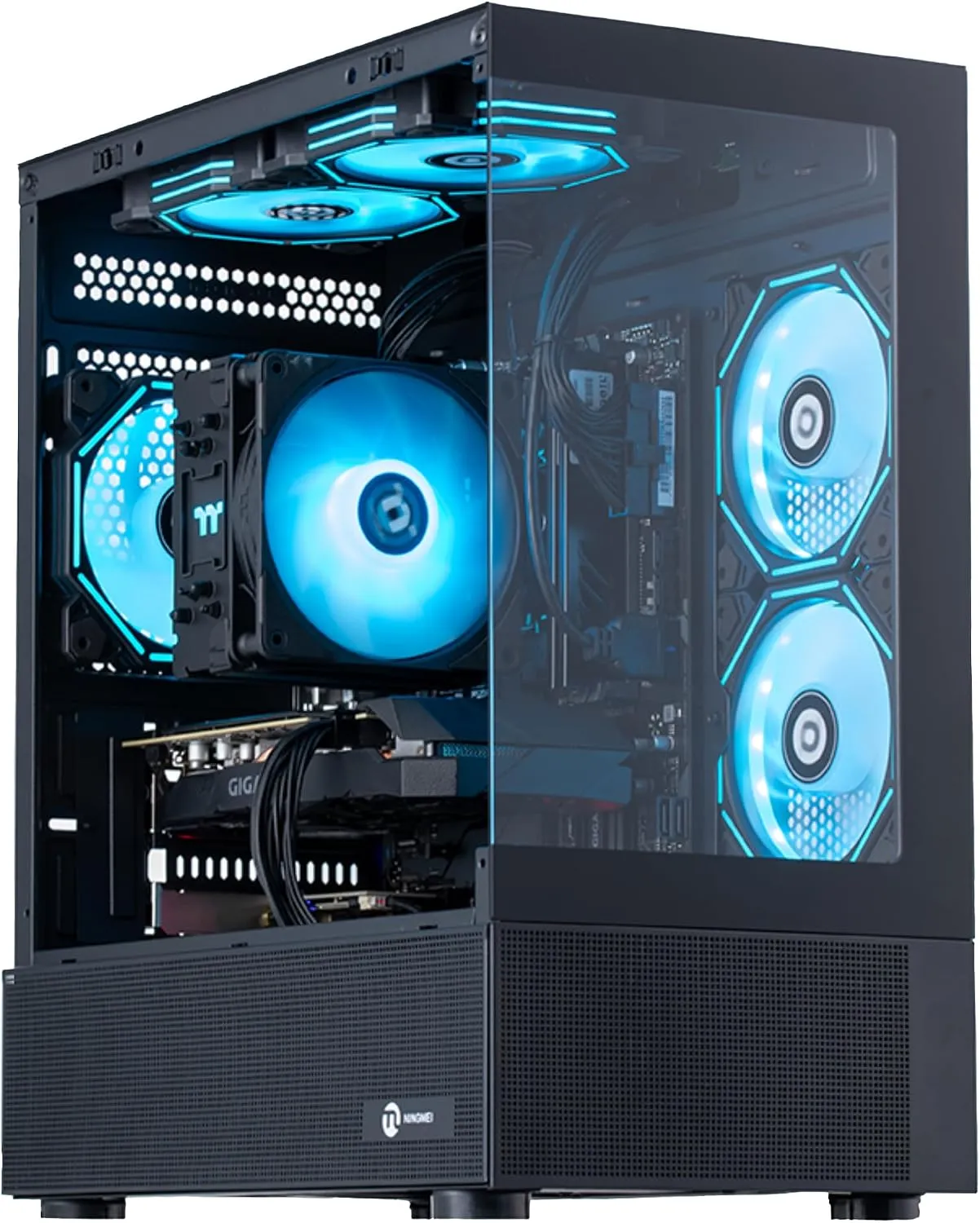
Ningmei Lumishore Gaming PC AMD Ryzen 5 5500 NVIDIA GTX 1660 Super 16GB RAM 1TB SSD Windows 11 Wifi PC Gaming Black
- Shop electronics on ProBlack for monitors, computers, and accessories.
- Match resolution and refresh rate to how you actually work and play.
- Prioritize RAM and a solid-state drive for a PC that feels fast for years.
- Balance your spend between the monitor and the computer rather than overloading one.
- Confirm the ports match before you buy, and budget for the desk extras you need.
The best setup is the one that feels effortless. Text is crisp, apps open instantly, and your eyes are not tired at 5 p.m. Black Friday is the moment to build that without overpaying.
FAQ
Is 4K worth it, or should I stick with 1440p? For most desks, 1440p is the sweet spot: sharp, smooth, and easy for a mid-range PC to drive. 4K shines for detail work, photo and video editing, and media, but it asks more of your computer. If your PC is modest, a crisp 1440p screen will feel better than a 4K one your machine struggles to push.
What matters more in a PC, the processor or the graphics card? It depends on the work. For office tasks, browsing, and general use, the processor, RAM, and a fast drive matter most, and the graphics card barely registers. For gaming and heavy creative work, the graphics card becomes the headline, but it still needs a capable processor and enough RAM behind it to perform.
Can I reuse my old monitor with a new PC? Often yes, as long as the ports line up. Check that your new computer has an output your monitor accepts, or plan for a simple adapter. If your old display is low resolution or small, though, a new PC is a natural moment to upgrade the screen too, since the display is what you stare at all day.
UPGRADE YOUR WORKSPACE AND KEEP YOUR DOLLARS CIRCULATING IN THE COMMUNITY. EXPLORE THE PROBLACK MARKETPLACE AND BUILD A SETUP THAT WORKS AS HARD AS YOU DO.
For more, read our laptop buying guide if a portable option fits better, our Black Friday and Cyber Monday electronics deals guide, and our buy now or wait for Black Friday timing advice.