Table of Content
A laptop is one of the best things you can buy on Black Friday, and one of the easiest to overpay for. The discounts are real, but so are the traps: outdated models dressed up as deals, vague spec sheets, and "doorbuster" prices on machines that were slow to begin with. A great laptop deal and a regret-in-January laptop deal can sit right next to each other on the same page.
This guide cuts through it. We will walk through exactly what to look for, what to happily skip, and how to match the right laptop to what you actually do, so you walk away with a machine that feels fast for years, not just fast in the store. No hype, no inflated prices, just a clear plan for buying smart this Black Friday.
First, know what you actually need
Before any shopping, answer one question: what will you mainly use this laptop for? The right spec for a student writing papers is very different from the right spec for a video editor or a gamer. Buying more than you need wastes money. Buying less than you need wastes the whole purchase.
Here is the quick version:
- Everyday use (browsing, email, documents, streaming): You do not need to spend big. A modern midrange laptop handles this beautifully.
- Students and home office: Prioritize battery life, a comfortable keyboard, and enough memory to keep many tabs open.
- Creative work (photo, video, design): Prioritize a strong processor, more memory, and a good screen.
- Gaming: You need a dedicated graphics chip. A regular laptop will not cut it, no matter how good the deal looks.
Once you know your use case, the rest of this guide tells you which specs matter and which are just marketing.
The specs that actually matter
Laptop listings love to bury you in numbers. These are the four that genuinely affect how the machine feels to use.
Memory (RAM)
This is the single most important spec for everyday speed, and the easiest place to get shortchanged in a Black Friday deal.
- Skip: Anything with only 8GB of RAM if you keep lots of tabs and apps open. It is the most common weak point in cheap "deal" laptops.
- Buy: 16GB is the comfortable sweet spot for most people in 2026. Creatives and power users may want more.
Storage (SSD, not a hard drive)
- Skip: Any laptop still using a slow mechanical hard drive. It will feel sluggish from day one, no matter how big the discount.
- Buy: A solid state drive (SSD). It is the biggest single upgrade to how fast a laptop feels. Aim for enough space for your files, with room to spare.
Processor (CPU)
- Skip: The very cheapest entry-level chips if you do anything beyond light browsing. They are fine for a basic second device, frustrating as a main machine.
- Buy: A current midrange processor. It handles everyday multitasking smoothly and stays capable for years.
Screen and battery
- Skip: Low-resolution, dim displays. You look at this screen all day.
- Buy: A sharp, bright screen and honest battery life. For anyone mobile, all-day battery is worth prioritizing.
What to happily skip on Black Friday
Not every discounted laptop is worth your money. Walk past these.
- Last-generation slow stock. Some Black Friday "deals" are old, underpowered models being cleared out. A low price on a slow laptop is not a bargain.
- 8GB RAM main machines. The most common trap. It feels fine in the store and frustrating within months.
- Mechanical hard drive laptops. The sluggish feel is not worth any discount.
- Vague spec listings. If a listing will not clearly state the processor, memory, and storage type, do not trust the deal.
- Over-buying for no reason. If you only browse and type, you do not need a high-end creative or gaming machine. Save the money.
Match the laptop to the person
Still deciding? Here is a fast cheat sheet by who it is for.
- For a student: Light, long battery life, 16GB memory, a comfortable keyboard. Portability and all-day power beat raw speed.
- For a home office: A sharp screen, solid memory, and a good webcam for calls.
- For a creative: A strong processor, generous memory, and the best screen you can afford.
- For a gamer: A dedicated graphics chip is non-negotiable. A regular laptop will not play modern games well.
- For a kid or a basic second device: An affordable, simple laptop or a Chromebook-style machine is perfect, and you do not need to overspend.
How to tell a real laptop deal from a fake one
Black Friday is prime time for inflated discounts. Protect your money with this quick check.
- Read the full spec sheet. The headline price means nothing without the processor, memory, and storage details. This is where good and bad deals separate.
- Sanity check the "was" price. A wild markdown from a sky-high original number is a red flag, not a bargain. Honest discounts sit in a believable range.
- Compare the real street price. Check what the exact model normally sells for, not the inflated tag next to the sale price.
- Match the spec to the price. Two laptops at the same price can perform very differently. The specs tell you which one is the real deal.
- Read recent reviews. The latest reviews reveal real-world speed, build quality, and battery life.
On ProBlack you see the price you actually pay, with no inflated "was" prices and no fake countdowns, across 7,500+ products.
Your three-step Black Friday laptop plan
- Define your use case and budget. Decide what you will do with it and what you will spend before you shop.
- Shop by spec, not by sticker. Filter for 16GB memory and an SSD first, then compare prices on machines that meet your needs.
- Verify before you buy. Read the full specs, sanity check the discount, and skim recent reviews. Thirty seconds saves you months of regret.
Buy smart this Black Friday with ProBlack
A laptop is a multi-year purchase, so a little care now pays off for a long time. ProBlack brings together laptops at honest prices with clear specs, so you can match the right machine to your needs without overpaying, across 7,500+ products in one place.
Laptops worth shopping on ProBlack
Here are real laptops across the segments above, from a 16GB value pick to a premium creator machine, all with clear specs and honest prices.
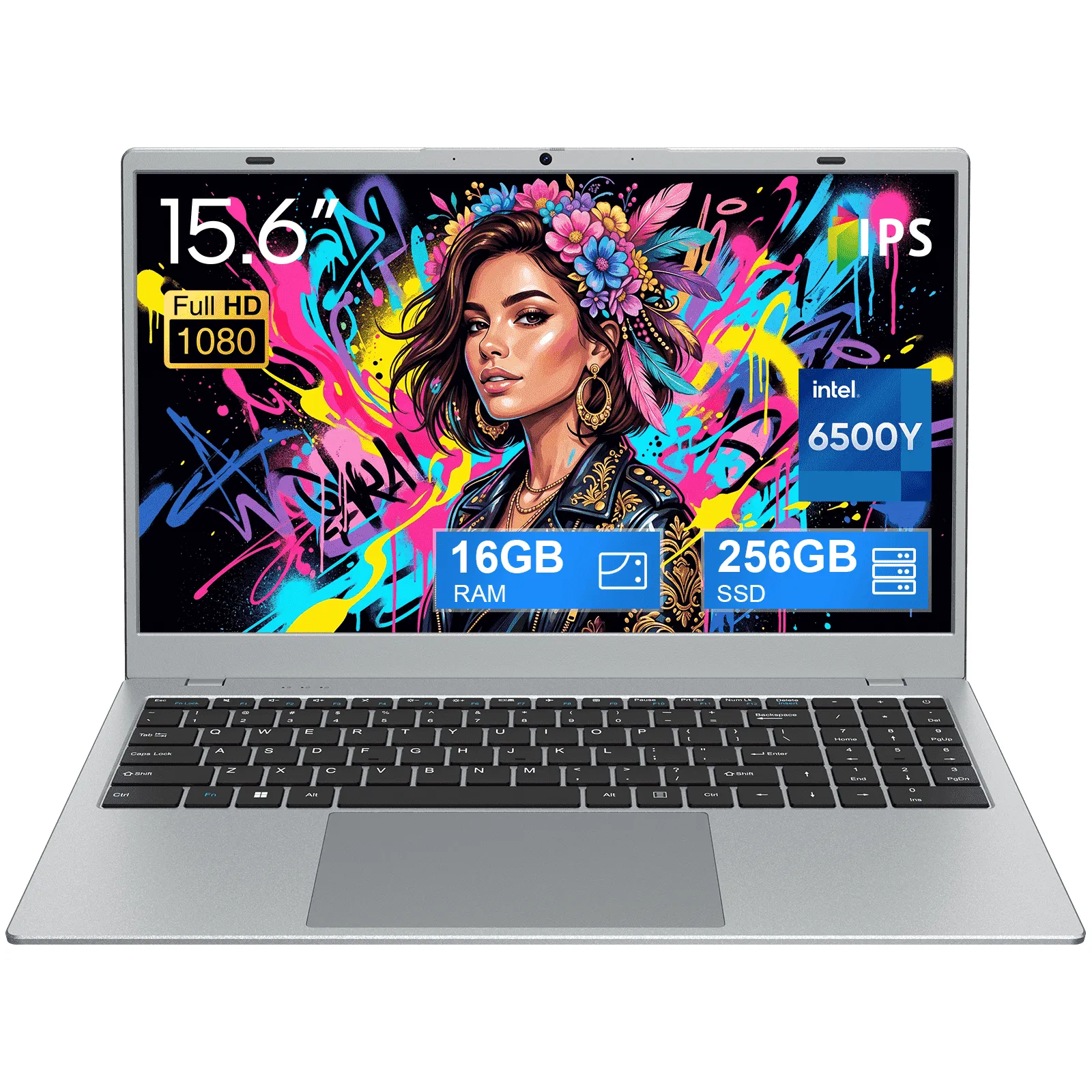
15.6" 1080p Laptop, Intel Pentium Gold 6500Y up to 3.4GHz 16GB RAM 256GB SSD, Slim Portable for Everyday Use, Home
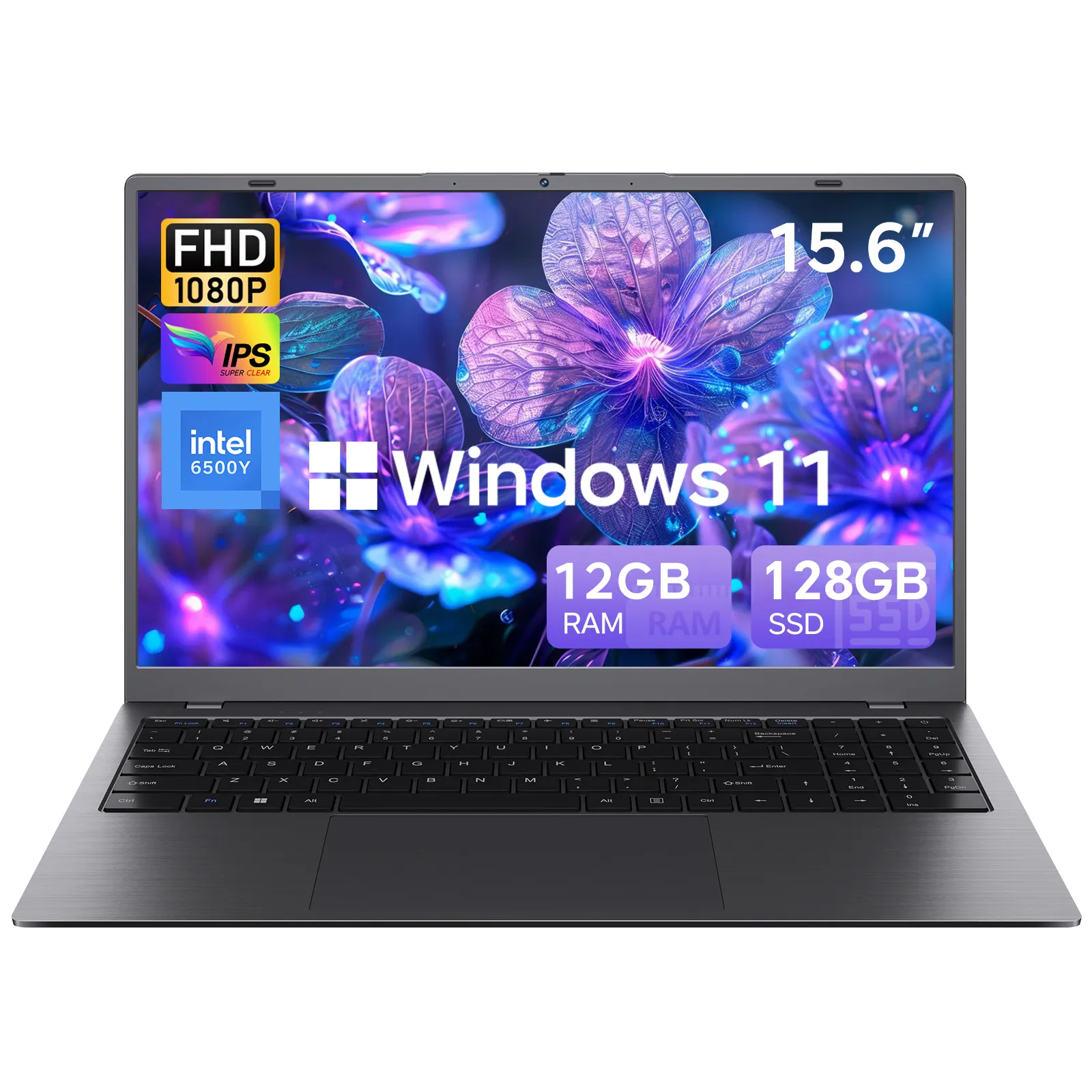
15.6" FHD IPS Windows 11 Laptop, 128GB SSD 12GB RAM, Intel Processor, Dual 4K Output & Type-C PD, Office 2024 Included
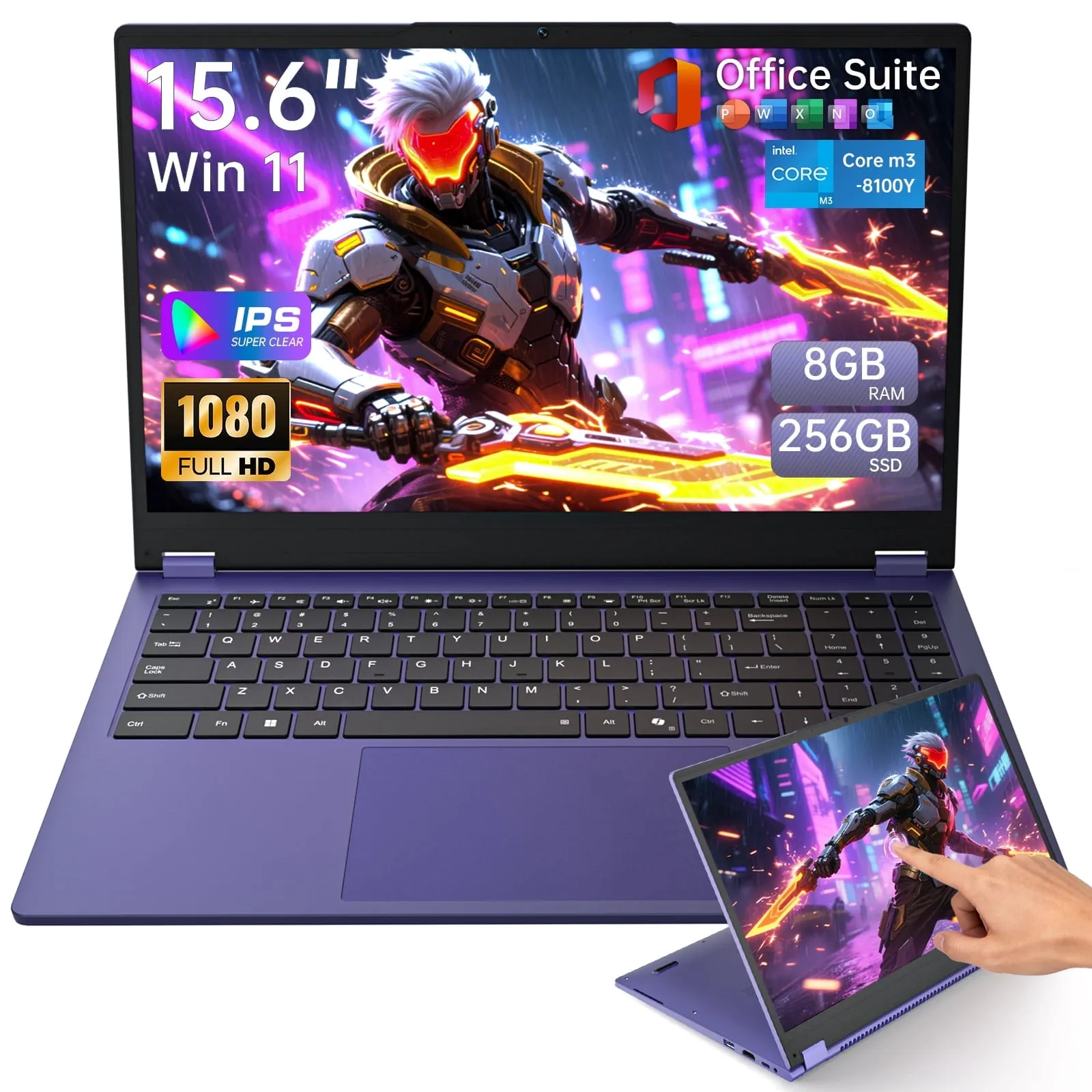
15.6" Touchscreen Laptop FHD Display,Intel Core i3 Processor,8GB RAM 256GB SSD ,Windows 11 Pro MS Office 2024
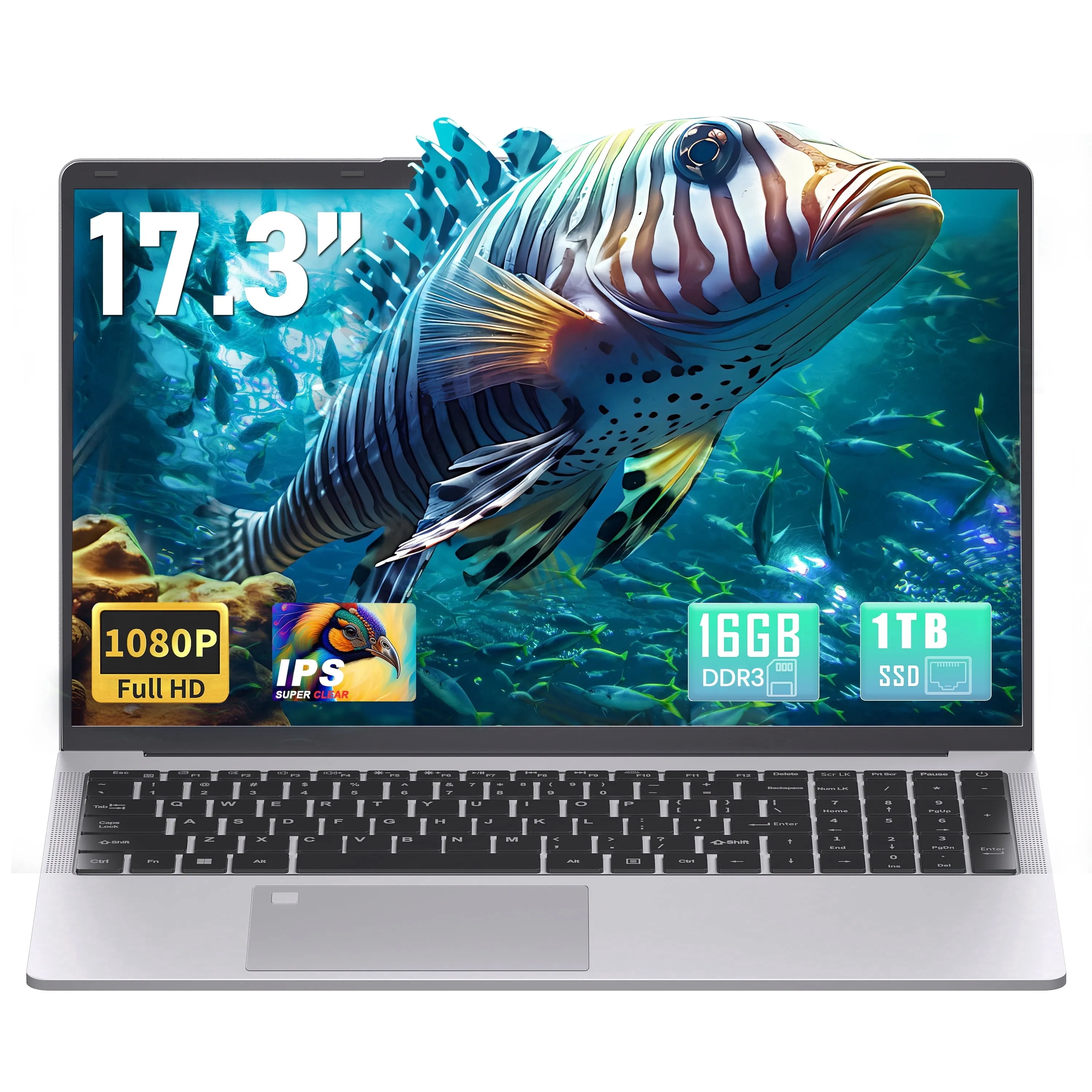
【Win 11 Pro/Office 2019】17.3" Large Laptop, 16GB RAM, 1TB SSD, FHD IPS Display, 6500Y (Up to 3.4GHz), Fingerprint
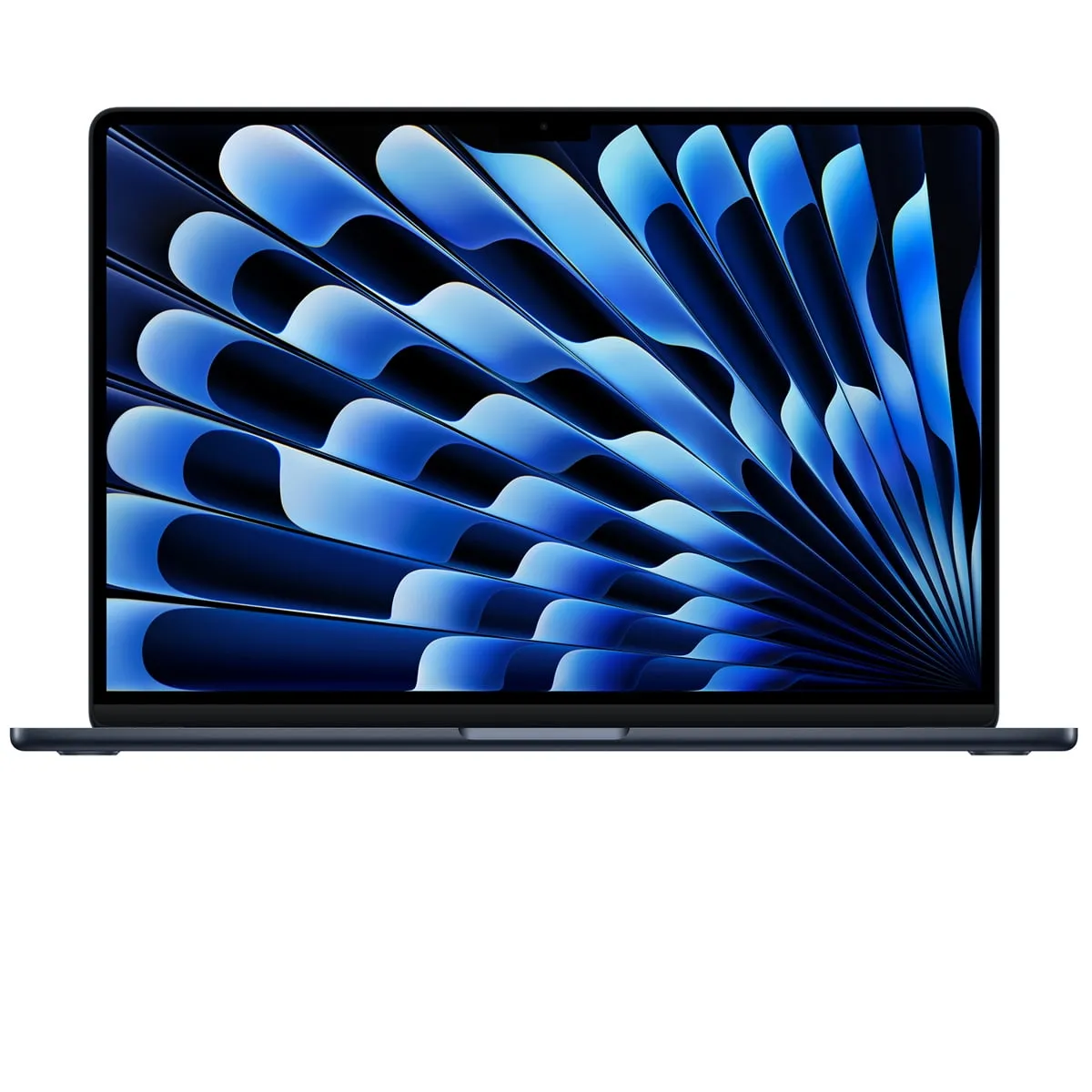
Apple CTO MacBook Air 15" with M5 Chip, 10-Core CPU, 10-Core GPU, 24GB Memory, 512GB SSD, 40W Dynamic (Midnight)
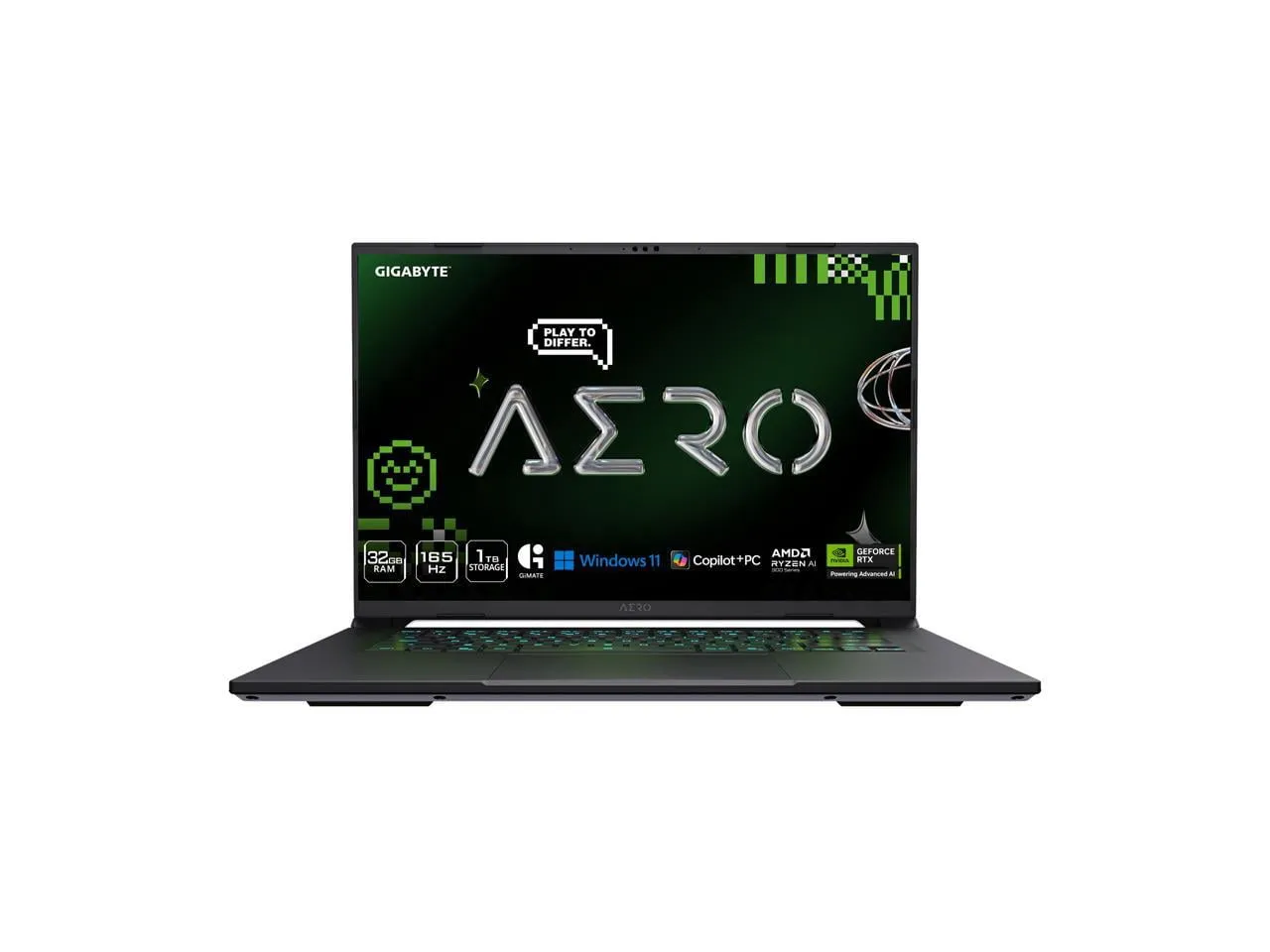
GIGABYTE AERO X16 16" Laptop, AMD Ryzen AI 9 HX 370, 32GB RAM, 1TB SSD, GeForce RTX 5070, 165Hz IPS, Space Gray
Shop Black Friday laptop deals on ProBlack
Buy by the specs that matter and get a machine that stays fast for years, at the price you actually pay with no inflated "was" tags.
Frequently Asked Questions
How much RAM do I need in a laptop in 2026?
16GB is the comfortable sweet spot for most people. 8GB struggles once you keep many tabs and apps open, while creatives and power users may want more.
Should I buy an SSD or a hard-drive laptop?
Always choose an SSD. It is the single biggest upgrade to how fast a laptop feels; a mechanical hard drive will feel sluggish from day one no matter the discount.
How do I spot a fake Black Friday laptop deal?
Read the full spec sheet, sanity-check the "was" price, compare the real street price, match the spec to the price, and read recent reviews before you buy.
Which laptops should I avoid on Black Friday?
Skip last-generation slow stock, 8GB-RAM main machines, mechanical-hard-drive laptops, and any listing that will not clearly state its processor, memory and storage.
Explore more deal guides on ProBlack: Black Friday gaming deals 2026, the Black Friday and Cyber Monday 2026 electronics deal guide, and the best phones 2026 buying guide. Shop laptops in our Electronics category.