Table of Content
Quick Answer
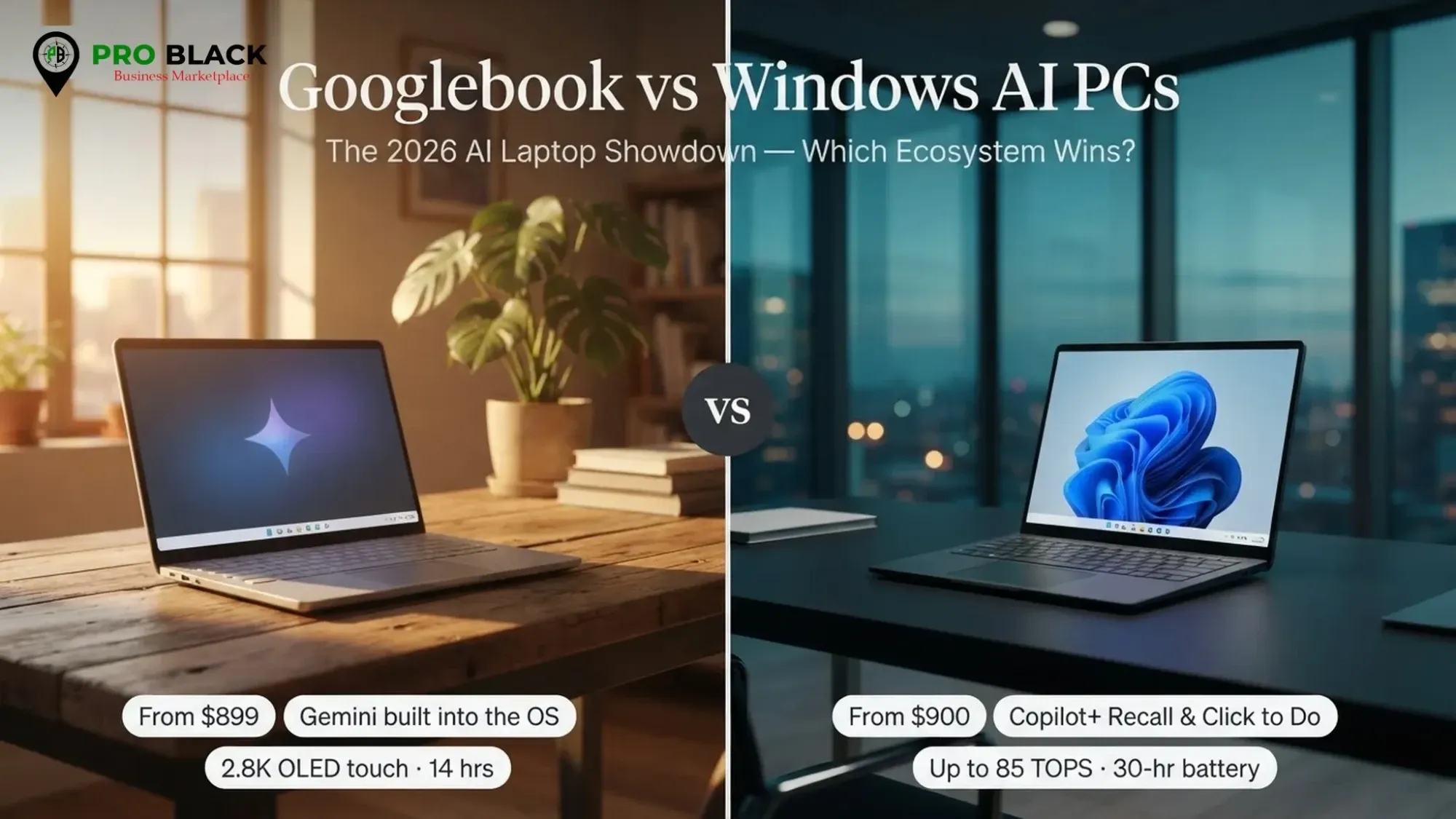
The Googlebook vs Windows AI PCs fight in 2026 comes down to ecosystem and apps. A Googlebook is the easy pick if you live in Google's world and want Gemini woven into everything, with simple setup and long battery life starting around $899. A Windows AI PC (Copilot+) wins on software compatibility, professional apps, and choice, with on-device features behind a 40+ TOPS NPU. Neither is objectively better; the right one depends on the apps you run and the phone in your pocket.
For years, buying a laptop meant two real questions: Mac or Windows, and how much can I spend? In 2026 there is a third question that has quietly become the most important one: how good is the AI, and does it run on the laptop itself? That shift is exactly why the Googlebook vs Windows AI PCs debate has taken over tech forums this year.
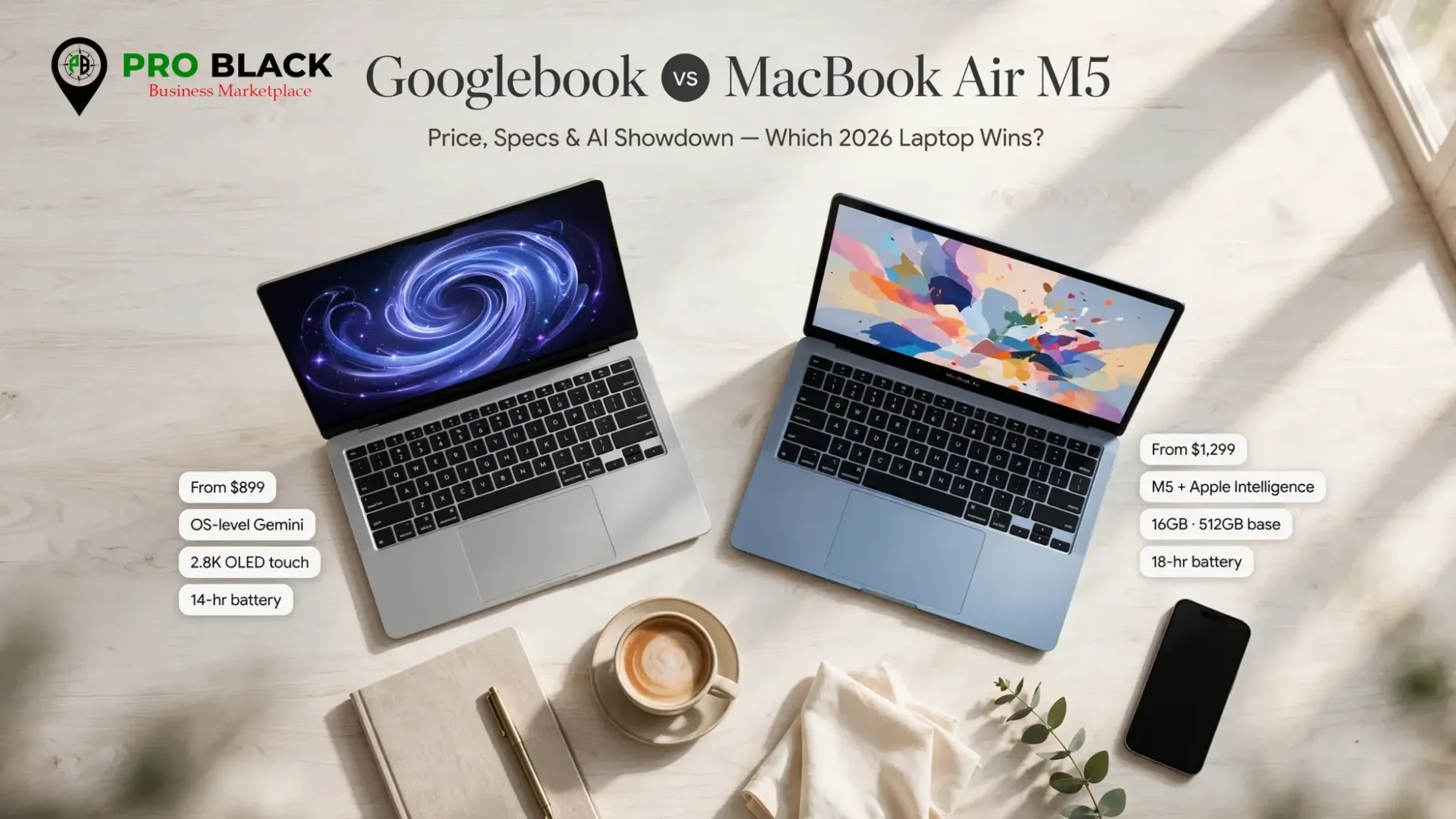
On one side is Google's brand-new Googlebook category: Gemini-first machines that promise an assistant baked into every corner of the OS. On the other, the now-mature Windows AI PC, Microsoft's Copilot+ platform, with a lineup from nearly every manufacturer you have heard of. Both claim to be the future of computing. Both cannot be right for you. If you are cross-shopping Apple too, our MacBook Air M5 vs M4 guide covers that side of the fence.
First, what actually is a Googlebook?
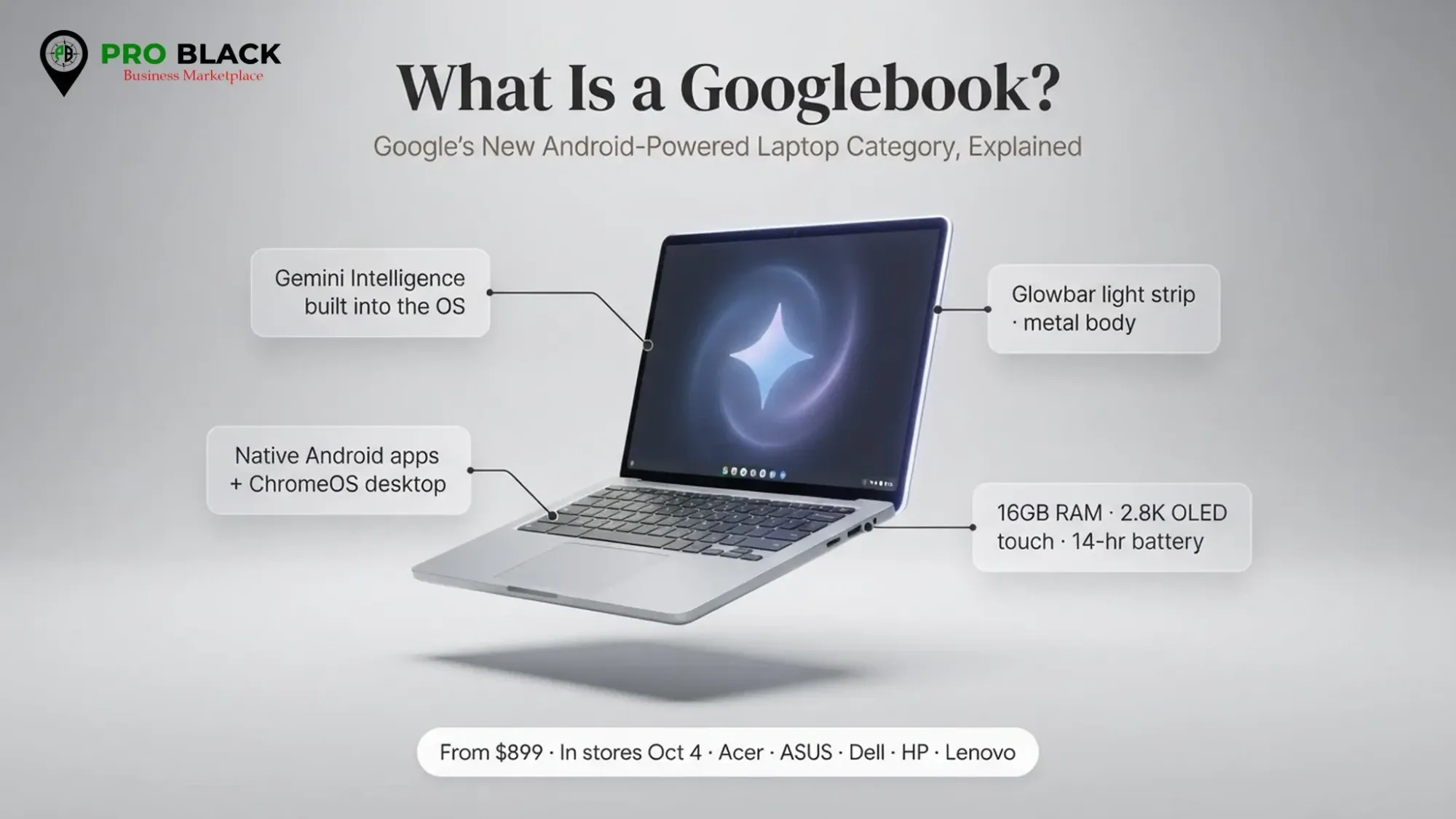
Google announced the Googlebook as a whole new laptop category on May 12, 2026, at The Android Show: I/O Edition. It is not a single device but a standard that hardware partners build to, the way Ultrabook or Copilot+ PC works: a badge with rules behind it. Pre-orders opened in September and US retail availability began in October.
Googlebooks run on Google's software stack (Android plus Chrome OS foundations) with Gemini as the headline act, and they are made by the usual heavyweights: Acer, ASUS, Dell, HP, and Lenovo. To wear the Googlebook name, a device has to clear a real bar, which based on launch reporting includes:
- A flagship-tier processor: with a dedicated NPU rated above 45 TOPS (Intel or Qualcomm silicon)
- 16GB of RAM baseline: with some configs up to 32GB (a few early reports mention a lower floor on cheaper models)
- On-device Gemini: Gemini Nano on the device, plus deep Google-account integration
- A touchscreen and a dedicated Gemini key: in an aluminum, magnesium-alloy, or carbon-fiber chassis, with panels up to 2.8K OLED
- A long update promise: around five OS upgrades and six years of security updates per device
Pricing starts at $899, with premium models climbing from there (the HP Googlebook 14 is reported near $1,299 with a Snapdragon X Elite chip and a 14-inch 2.8K OLED touchscreen). Battery life is quoted at up to 14 hours in Google's materials, with some outlets citing up to 18. One wrinkle worth flagging: several of the slickest features expect you to pair an Android 17 (or newer) phone.
The one-line version
A Googlebook is what happens when Google stops treating laptops as cheap Chromebooks and starts treating them as premium, Gemini-powered flagships.
And what counts as a Windows AI PC in 2026?
Windows AI PCs are not new the way Googlebooks are. They have had a two-year head start, and that maturity shows. The branding you will see in stores is Copilot+ PC, and like Googlebook it is a certification with hardware rules rather than a single machine. To qualify, a laptop generally needs:
- An NPU rated at 40+ TOPS: trillions of operations per second
- At least 16GB of RAM: DDR5 or LPDDR5
- A minimum 256GB SSD: SSD or UFS storage
- Windows 11, version 24H2 or later: on an approved chip (AMD Ryzen AI 300, Intel Core Ultra 200V, or Qualcomm Snapdragon X)
Clear that bar and Windows unlocks features that run locally on the NPU rather than phoning the cloud: Recall (a searchable timeline of what you have done), Live Captions with real-time translation, Studio Effects for your webcam, Click to Do, and Cocreator in Paint. The pitch is simple: your AI works even when your Wi-Fi does not.
The silicon is where Windows flexes its range. You can buy Copilot+ machines with Qualcomm's Snapdragon X Elite and X Plus (around 45 TOPS), Intel's Core Ultra 200V (about 48 TOPS), or AMD's Ryzen AI 300 (roughly 50 to 55 TOPS). The newest wave pushes higher still: the Snapdragon X2 Elite is reported in the 80 to 85 TOPS range, though exact figures vary by source and measurement method.
Here is the honest truth the spec sheets will not tell you: TOPS is a weak predictor of how fast a large language model will actually feel. Local text generation is limited more by memory bandwidth than by raw NPU throughput, and plenty of today's AI apps do not even use the NPU yet.
Googlebook vs Windows AI PCs: the specs side by side
Numbers first, opinions after. Here is how the two platforms stack up on the fundamentals as of late 2026. Prefer Apple silicon instead? Compare the chips in our M5 vs M5 Pro vs M5 Max breakdown.
| Feature | Googlebook | Windows AI PC (Copilot+) |
|---|---|---|
| Launch maturity | New in 2026 | Established (2+ years) |
| AI assistant | Gemini (deeply integrated) | Copilot + local features |
| OS base | Android / Chrome OS | Windows 11 (24H2+) |
| NPU requirement | ~45+ TOPS | 40+ TOPS |
| RAM floor | 16GB (up to 32GB) | 16GB |
| Storage | 256-512GB | 256GB+ |
| Chips | Snapdragon X Elite, Intel Core Ultra | Snapdragon X/X2, Intel Core Ultra, AMD Ryzen AI |
| Starting price | ~$899 | ~$700-$2,000+ (huge range) |
| Battery (quoted) | Up to 14h (some say 18) | Varies; Arm models excel |
| Standout extras | Gemini key, touchscreen, long update promise | Recall, Live Captions, Studio Effects, Cocreator |
| Software library | Android + web apps | Full Windows ecosystem |
Notice how close the hardware floors are. That is not a coincidence: Googlebook's multi-vendor NPU certification clearly takes a page from Microsoft's Copilot+ playbook. The real differences are not in the TOPS count. They are in the software, the assistant, and the ecosystem you are buying into.
Which has better AI: Gemini or Copilot+?
Gemini on a Googlebook
Google's advantage is integration. Gemini is not an app you open; it is threaded through the OS, your Google account, Gmail, Docs, Photos, and (with a compatible Android phone) your messages and calls. Press the Gemini key and you get an assistant that already knows your context. For people who live inside Google Workspace, that continuity feels less like a feature and more like a superpower. The trade-off: you are all-in on Google, and the magic fades fast if your work lives in Microsoft 365, Adobe, or Windows-only tools.
Copilot+ on a Windows AI PC
Microsoft's edge is reach and local muscle. Copilot+ features run on the NPU, so Recall, live translation, and webcam effects keep working offline. And because Windows runs essentially every professional application on earth, Copilot can plug into workflows Gemini cannot touch yet: enterprise tools, legacy software, specialized creative suites. The catch is familiar: the experience is broader but messier, features arrive unevenly, and 40 TOPS does not guarantee a snappy local model if the app you use does not tap the NPU.
The take
Gemini feels more cohesive out of the box; Copilot+ is more capable once you have set it up around real professional apps. Cohesion wins for everyday users. Capability wins for power users.
Price and value: where does your money go further?
On paper the Googlebook's $899 entry looks friendly, and for a premium, well-built, long-supported machine it is a fair starting line. Google's six-years-of-updates promise quietly improves the long-term value math: a laptop you can safely use for five-plus years costs less per year than its sticker suggests. But Windows AI PCs win the range war decisively. Because dozens of manufacturers build them, you can find a Copilot+ machine well under the Googlebook's floor, or spend $2,000+ on a flagship. More competition means more deals, especially around Black Friday and the holidays.
| Buyer | Better value pick | Why |
|---|---|---|
| Budget shopper | Windows AI PC | Entry Copilot+ models dip below $899 |
| Google-ecosystem user | Googlebook | Gemini continuity + long support |
| Long-term keeper | Googlebook | 6 years of security updates |
| Deal hunter | Windows AI PC | More brands means more sales and discounts |
| Premium splurge | Windows AI PC | Widest high-end selection |
Battery, build, and the everyday experience
Battery life
Googlebooks lean on efficient Arm-based silicon and a lightweight software base, a recipe for genuinely long battery life (Google quotes up to 14 hours, and some reviewers push higher). Windows AI PCs are more of a mixed bag: the Arm-based Snapdragon models rival or beat the Googlebook, while Intel and AMD configurations trade some endurance for broader app compatibility. If all-day battery is your priority, both camps have an answer, but you have to pick the right chip on the Windows side.
Build quality and the phone factor
Because the Googlebook spec mandates a touchscreen and a premium chassis, there is a consistent quality floor. Windows AI PCs span everything from plasticky budget models to jaw-dropping OLED flagships, so quality is on you to research. And do not overlook the phone factor: some of the Googlebook's best tricks (continuity, notifications, call handling) expect an Android 17+ phone. If you carry an iPhone, a chunk of the Gemini magic will not light up, and a Windows AI PC that stays neutral about your phone may actually serve you better.
Real-world performance: what the TOPS numbers don't tell you
Here is where a lot of 2026 buyers get burned. They see 80 TOPS on one sticker and 45 TOPS on another and assume the bigger number means a faster laptop. It does not, at least not the way you would think. TOPS measures the theoretical peak throughput of the NPU; it is useful for marketing and almost useless for predicting how quickly a chatbot will answer. In practice, local AI performance is bottlenecked far more by memory bandwidth than by NPU peak, and a machine with a modest NPU but fast, wide memory can feel snappier than a rival with double the TOPS.
There is a second trap: software support. Plenty of today's AI apps still run on the CPU or GPU and do not touch the NPU at all, so the headline TOPS figure you paid a premium for might sit idle. This is true on both platforms. Do not buy on TOPS alone. Prioritize RAM (16GB is the floor, 32GB is comfortable for heavier AI work), fast storage, and whether the specific AI features you care about are actually available and mature on the platform.
Gaming, creativity, and productivity
Productivity: both are excellent for email, documents, browsing, and calls. Googlebooks shine with a Google Workspace stack; Windows AI PCs are unbeatable deep in Microsoft 365, especially Excel power-use, Teams, and enterprise tools.
Creativity: Windows has the clear edge for serious work. Full desktop Adobe apps, DaVinci Resolve, and specialized plugins do not run natively on a Googlebook, which is close to a dealbreaker for photographers, video editors, and music producers. Casual creators in web or Android apps will be happy on a Googlebook.
Gaming: neither is a dedicated gaming machine, but Windows wins by default thanks to its enormous library, cloud gaming, and discrete-GPU options. Googlebooks lean on cloud gaming and Android titles: fine for casual play, limited for AAA.
Who should buy a Googlebook?
Buy a Googlebook if
- You already live in Google's ecosystem (Gmail, Docs, Photos, Android)
- You want an assistant that is genuinely everywhere, not a bolt-on app
- You value simplicity, long battery life, and a guaranteed premium build
- You keep laptops for years and love the six-year update promise
- You carry an Android phone and want laptop-phone continuity
Who should buy a Windows AI PC?
Buy a Windows AI PC if
- You rely on Windows-only or professional software (Office power-user, Adobe, engineering, gaming)
- You want maximum choice in price, size, and specs
- You are a deal hunter who will pounce on holiday discounts
- You use an iPhone or a mixed device setup and want neutrality
- You want offline on-device AI like Recall and live translation today
The honest verdict: it's a tie that only you can break
You wanted a clean winner, but the real story of Googlebook vs Windows AI PCs in 2026 is that both platforms finally made on-device AI normal, and the decision now rests on the boring-but-crucial stuff: your apps, your phone, your budget, and how much you trust one company with your digital life.
Shortest possible guidance: pick the Googlebook for cohesion and the Windows AI PC for capability. A student or creative who lives in Google tools and wants a beautiful, long-lasting machine that just works will love the Googlebook. A professional juggling legacy software, specialized apps, or a tight budget will get more mileage (and more deals) from a Copilot+ PC. Whatever you choose, 2026 is a great year to upgrade, because two giants fighting for your money means better prices than we have seen in a long time.
Frequently Asked Questions
What is a Googlebook?
A Googlebook is Google's new premium laptop category launched in 2026, Gemini-first machines built on Android and Chrome OS, made by partners like Acer, ASUS, Dell, HP and Lenovo, with on-device AI, a touchscreen and a dedicated Gemini key. Prices start around $899.
What is a Windows AI PC (Copilot+ PC)?
A Windows AI PC, branded Copilot+ PC, is a Windows 11 laptop that meets Microsoft's bar for on-device AI: a 40+ TOPS NPU, at least 16GB of RAM and a 256GB SSD. That unlocks local features like Recall, Live Captions with translation, Studio Effects and Cocreator.
Is a Googlebook better than a Windows AI PC in 2026?
Neither is universally better. Googlebooks are ideal if you live in Google's ecosystem and want Gemini everywhere, long battery life and simplicity. Windows AI PCs win on software compatibility, professional apps and sheer choice. It comes down to your apps, your phone and your workflow.
Do AI laptops need the internet to use AI?
Many AI features now run on-device via the NPU, so they work offline. But the most powerful models and some assistant features still use the cloud, so a connection improves the experience on both platforms.
How much does a Googlebook cost compared to a Copilot+ PC?
Googlebooks start around $899, with premium models like the HP Googlebook 14 near $1,299. Copilot+ PCs cover a far wider range, from roughly $700 budget models to $2,000+ flagships, because many more manufacturers build them.
Can I run Windows apps on a Googlebook?
Not natively. Googlebooks run Android and web apps, not traditional Windows software. If your work depends on Windows-only programs, a Windows AI PC is the safer choice.
Whichever AI laptop you pick, kit it out with gear from verified Black-owned sellers. Explore more laptop guides: MacBook Air M5 price guide, MacBook Air M5 vs M4, M5 vs M5 Pro vs M5 Max, and the Pixel 11 vs Pro vs Pro XL comparison.
Ready to shop the 2026 AI laptops?
Compare laptops and accessories from verified Black-owned sellers on Pro Black, and download the app to shop on the go.