Table of Content
What’s New
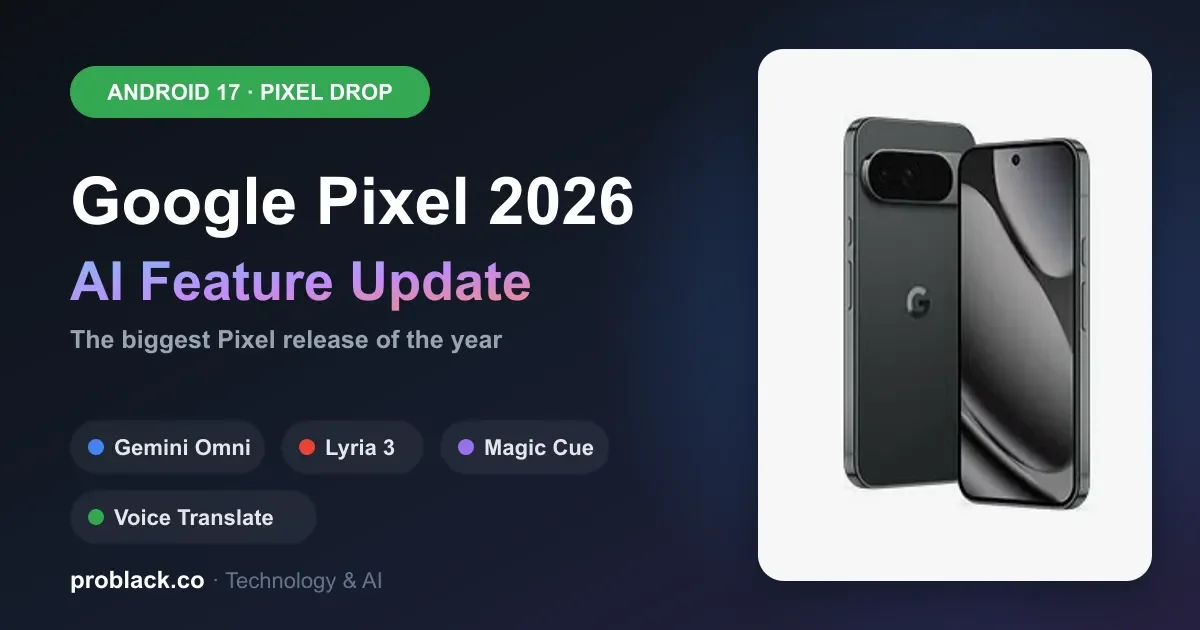
Google’s June 2026 Pixel Drop and Android 17 bring a wave of AI-powered features to Pixel phones, from Gemini Omni video creation to enhanced voice tools. Here’s everything you need to know.
A New Era of AI on Pixel Phones
Google’s approach to AI in Android is different from its competitors. Rather than treating AI as a separate feature, Google has integrated it into the core smartphone experience. The June 2026 Pixel Drop, released alongside Android 17, shows this philosophy at scale, bringing automation to everything from content creation to personal communication.
This is Google’s biggest release of 2026, with tools designed for creators, multitaskers and anyone looking to work smarter on mobile.
Android 17: The Foundation for AI
Android 17 is the stable release rolling out to Pixel 6 and newer. It introduces fundamental changes to how apps behave and how you interact with your phone.
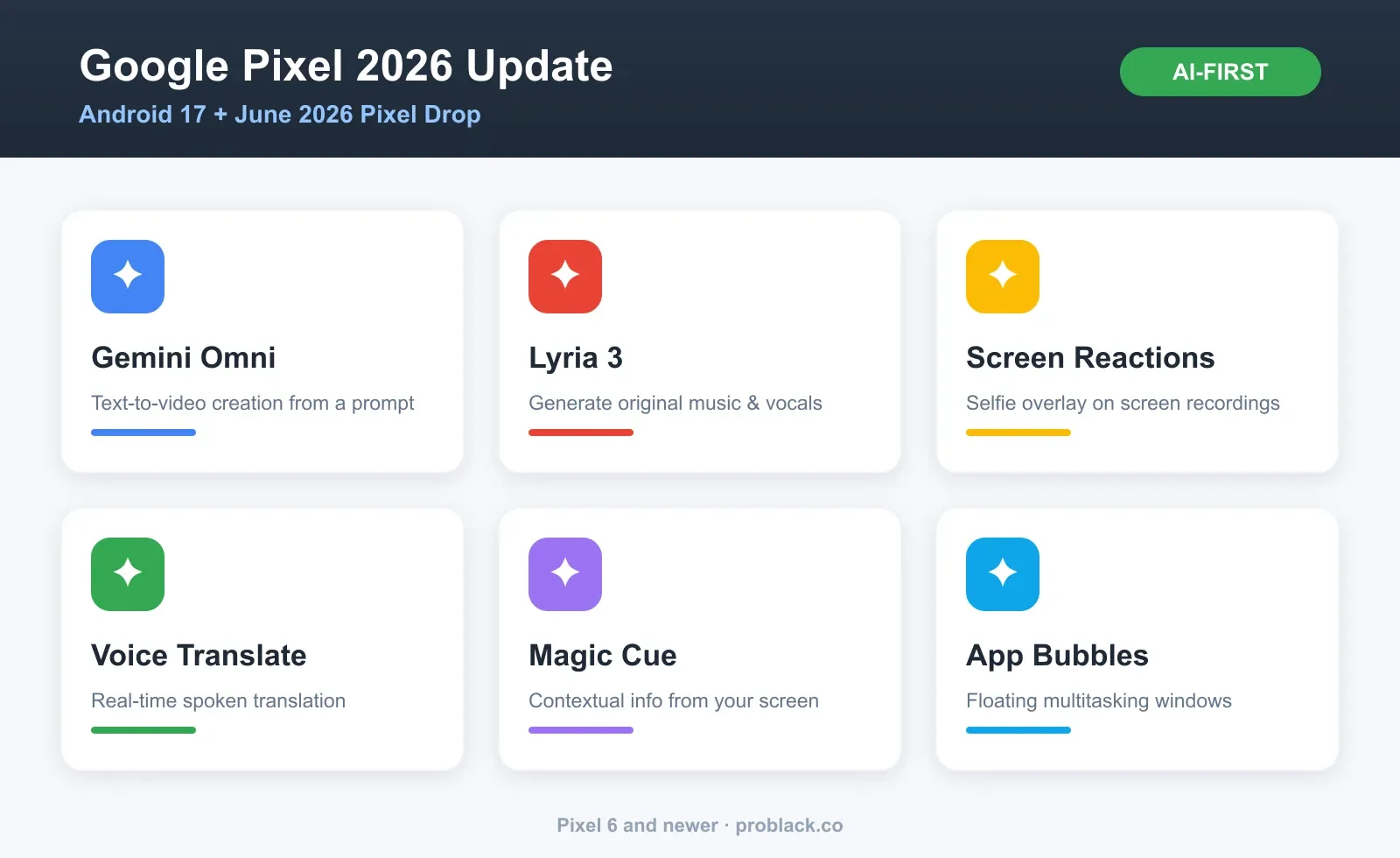
App Bubbles · floating multitasking
Long-press any app to turn it into a floating bubble that stays visible while you use other apps, perfect for video calls, messaging or any tool you need constant access to.
Screen Reactions · creator-focused recording
Overlay your selfie video directly onto screen recordings, no green screen or second device needed. Great for tutorials, game streaming and product reviews.
Enhanced security & parental controls
Built-in parental controls extend to other Android phones in your family network, and the “Mark as Lost” feature in Google Find Hub gets powerful upgrades.
Pixel Drop AI Features
The June 2026 Pixel Drop is the hardware-exclusive update that turns your Pixel into a creative machine. These features are Pixel-only and represent Google’s biggest push into generative AI for consumers.
Gemini Omni: AI-powered video creation
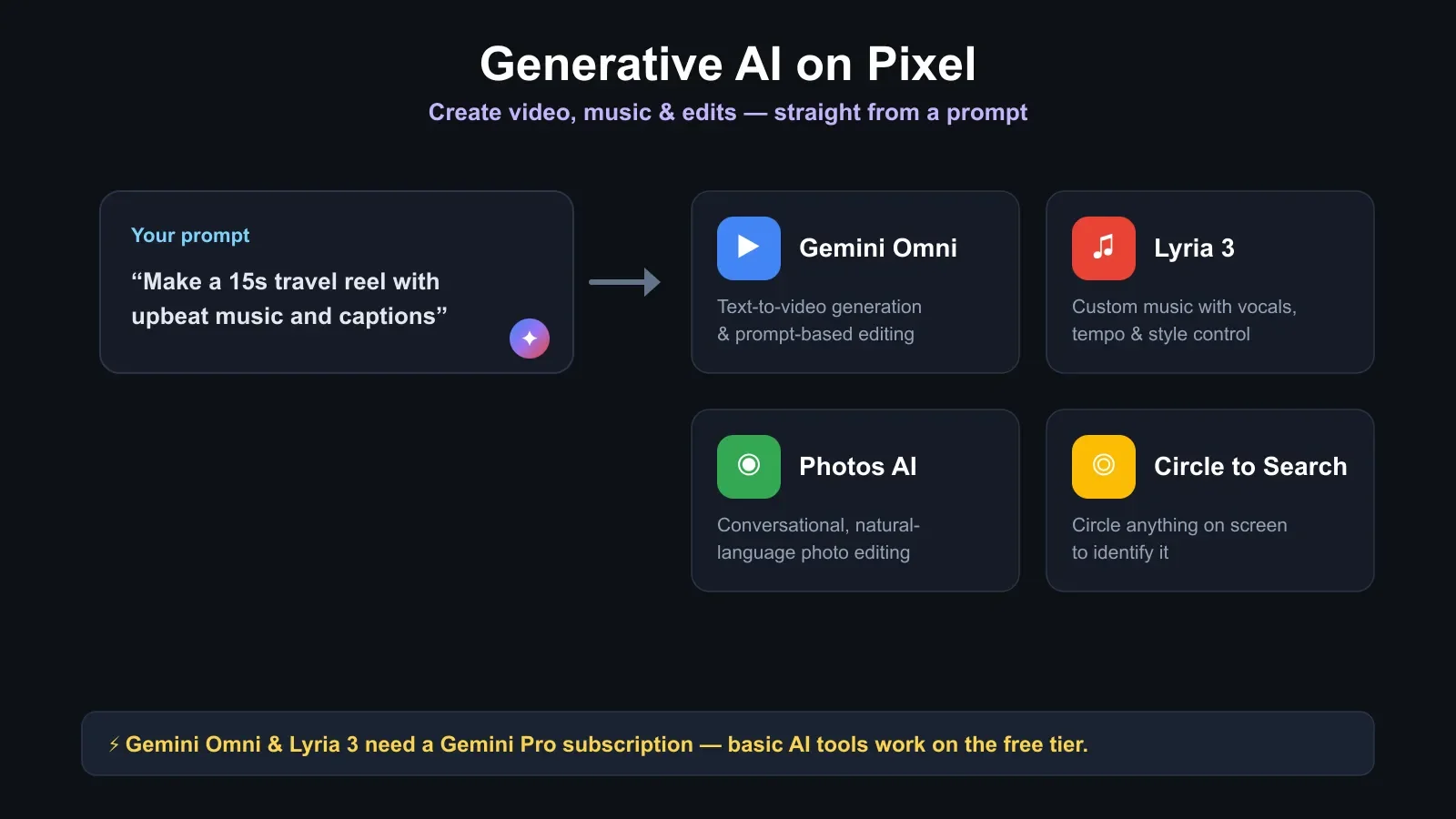
Gemini Omni is a Gemini Pro exclusive that changes how you create video. Using simple text prompts you can generate, edit and customize video with no editing experience.
| Capability | What you can do | Use case |
|---|---|---|
| Text-to-video | Create videos from written descriptions | Social content, product demos |
| Prompt-based editing | Edit videos with voice or text commands | Quick touch-ups, no software to learn |
| Style customization | Apply visual styles and moods | Match brand or creative vision |
| Audio integration | Add AI-generated or curated audio | Complete video production |
Lyria 3: AI music generation
Lyria 3 is Google’s latest music model, create original music from text prompts or images while keeping full creative control.
- Custom vocals: choose different voice styles and characteristics
- Tempo control: set speed and rhythm to match your project
- Style customization: pick genres, instruments and overall aesthetic
- Image-based creation: upload an image and generate music matching its mood
Google Photos conversational editing
Photo editing is now conversational, instead of navigating menus, just tell Google Photos what to change and the AI applies it. Rolling out on Pixel 6 and newer across more regions.
Voice Translate & Circle to Search
Voice Translate now works across more Pixel devices for real-time conversations across languages, no app switching or headphones. Circle to Search expands to identify anything in an image: circle clothing, plants or products for instant info.
Gemini Across Your Pixel
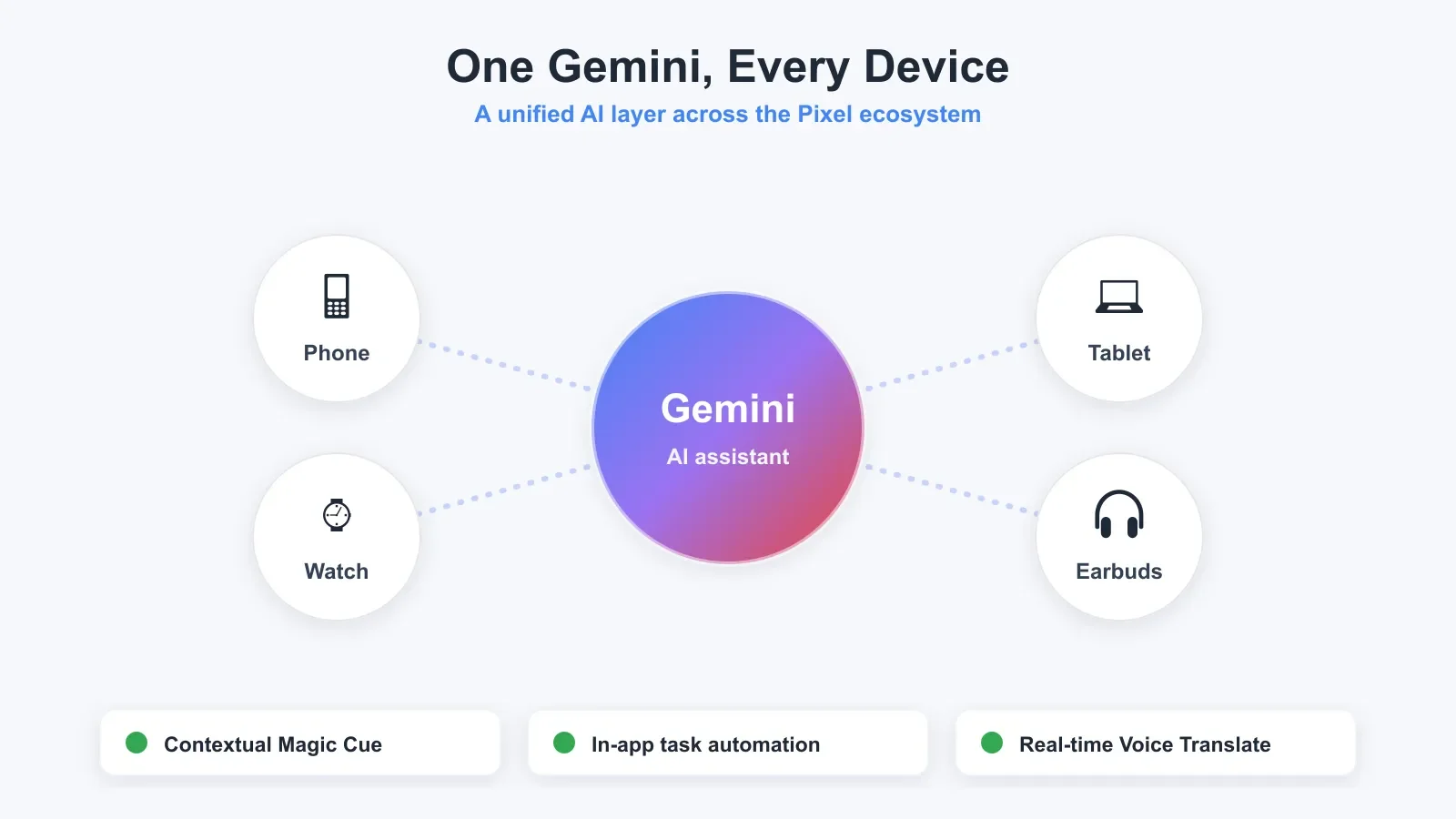
Gemini is now deeply integrated into the Pixel OS, not just a chatbot, but an active layer that understands context across your apps.
In-app task automation
Gemini can now perform tasks within other apps, not just answer questions. For example:
- Order groceries through a shopping app with voice commands
- Find restaurant recommendations while chatting with friends
- Create calendar events from conversation context
- Draft messages in your communication apps
Magic Cue for contextual info
Magic Cue surfaces contextual information based on what’s on your screen. While browsing or chatting, it can pull up relevant restaurant recommendations, product info or helpful context, no separate search needed.
Who Should Update?
Update immediately if you own
Pixel 6, 7, 8, 9, 10 or any Pixel from the last four years, all are fully compatible with Android 17 and the June 2026 Pixel Drop. Creators especially benefit from Screen Reactions and Gemini Omni.
Wait for a second update if you own
Pixel 5a, 6a or 7a. These get security updates but may not receive all Pixel Drop features immediately, tools like Voice Translate roll out gradually.
Consider upgrading if you own
A Pixel older than the Pixel 5 series. A current-gen device unlocks the full AI feature set, especially creation tools like Screen Reactions and Gemini Omni.
Pro tip
Enable automatic updates so you receive Pixel Drop features as soon as they’re available. Some features roll out over 2-4 weeks for stability.
AI Features by Use Case
Creators: Screen Reactions, Gemini Omni and Lyria 3 combine into a mobile production studio, record with your face overlaid, edit with prompts and generate custom music.
Business: Voice Translate and in-app automation speed up workflows; Gemini handles email drafting, calendar management and research inside your apps.
Casual users: Conversational photo editing, voice search and simplified Gemini make your phone smarter without technical know-how.
Accessibility: Live Transcribe now supports American Sign Language and Clear Voice Mode improves audio for hearing-impaired users.
Wondering how Pixel’s Gemini compares to Apple Intelligence? Read our iPhone 18 Pro vs iPhone 17 Pro comparison.
Frequently Asked Questions
What phones get the June 2026 Pixel Drop?
The Pixel Drop is exclusive to Pixel phones, starting with Pixel 6 and newer. Some features (Gemini Omni, Lyria 3) require a Gemini Pro subscription, but basics like Voice Translate and Circle to Search expand to more models over time.
Do I need Gemini Pro to use Gemini Omni?
Yes, Gemini Omni is a Gemini Pro exclusive. Other AI features like conversational photo editing and Magic Cue work on the free Gemini tier. Gemini Pro is a paid subscription through Google One.
How do I enable Screen Reactions?
Open the Camera or Recorder app, start a screen recording as usual, find the “Add reaction” / “Screen reactions” option in the recording interface and tap to enable, your selfie video appears in the corner automatically.
Is Voice Translate available in my region?
It launches in supported regions during the Pixel Drop rollout (US and UK as of June 2026, expanding). Check your device settings to see if it’s available, or enable it manually if rolled out.
Will older Pixel phones get all these features?
Not all. Pixel 6 and newer get most updates; older models (5a, 6a) receive basics like Voice Translate but may not support advanced generative AI. Google expands compatibility as optimizations improve.
Shop Black-owned tech on Pro Black
Browse verified Black-owned businesses for devices, accessories and tech services.